Let’s say you have identified your ideal client, and you’ve take the second step and have determined where they are ‘hanging out” online and offline and what the best way of reaching them is (i.e. search engines, via a cold call or email, or through a referral, to mention just a few of the ways you can reach out).  A good next step in your pursuit to get new clients is to create your marketing and collateral materials.

message_in_the_bottleWhat are collateral materials?

On Wikipedia, marketing collateral, is described as “the collection of media used to support the sales of a product or service. These sales aids are intended to make the sales effort easier and more effective.”

Unlike advertising, collateral materials are usually used a little later in the sales cycle when you actually have a prospect or lead. Some collateral materials small business owners may compile in advance include:

  • Brochures
  • Sales Scripts
  • Elevator pitch
  • Email form letters
  • Anything that will aid you in reaching out

Why develop your materials in advance?

Now that you specifically know who your audience is, you can write or prepare these materials without having to worry about radically changing it, or starting from scratch every time you have a new prospect. Your sales pitch should work for all your prospects, specifically because you have narrowed your audience down to a specific niche.

Having these materials prepared in advance will help streamline the sales process, so that you do not need to interrupt your flow just to follow up with a prospective client.

What other marketing materials do you need?

Also think about other marketing related materials that you may need to have ready by the time you start reaching out to prospects:

  • Social media profiles
  • Updated Website
  • Business cards
  • Any flyers or advertisements

Many materials, one message

Of course, all of these materials should spring from one, meaningful and consistent message about who you are and why they should care. It is potentially very time wasting to embark on creating these materials without first creating one centralized document that addresses a few key points that will be communicated in all of your materials. Such as:

  • Who you are, what you do
  • What services you provide
  • Your prices
  • What are the benefits of your services
  • What is the one unique advantage you have over your competition, or what is your positioning

Addressing all of these points is the potentially difficult yet fun part of creating a business.  You may want to consider creating a brand strategy as you embark on this work. Consistent messaging is very important in marketing and sales. Having a brand strategy can keep all your messaging on point, so that you don’t run askew as you get involved in the creative process.

Remember, the first step to all of this is to first identify your ideal client. Next, decide where they are and how you will reach out.

Once you’ve identified your ideal client and created your buyer persona a logical next step is to decide where your ideal clients are and how you will reach them. To do this, you could create a lead list of sorts. Identify who specifically you will reach out to and then what the best way to reach them is.

Getting New Clients

Ways of reaching out to new prospective clients

Depending on what you are selling and who you are selling to, here are some possible ways of reaching out to prospective clients. Once you decide how you will reach out, you may want to devise a strategy for doing so.

  • Networking online and offline
  • Search engine marketing
  • Cold calling or emailing
  • Asking existing clients for referrals
  • Advertising
  • Forming strategic partnerships
  • Word of Mouth marketing

Establish a method for staying in touch

Remember, it often takes several impressions before someone will buy from you, or sign up for your services. Once you reach out to someone, develop a way of staying in touch. Whether you connect with them on LinkedIn or other social networks, take the time to check in via email from time to time or invite them for a coffee. No matter how you do it, do stay in touch. Leads need to be nurtured.

Don’t overlook your existing client base

Because it is cheaper to keep an existing client  than it is to get a new one, start with your existing client base. Think of new services they can use and always keep existing clients abreast of new service offerings. You’ve already established trust with these people, so you’ll want to build on that.

Start with your existing network

Once you know who you are looking for, meaning your ideal client, let your friends and family and network of business contacts know who you are looking to work with. Again, you have built trust with these people and you want to build on that. It will be more effective than reaching out to a total stranger.

Know Thyself

Doing any of this successfully depends on your understanding of who you are and most importantly who you are to your clients as well as your ability to communicate those benefits. If you don’t understand what specific pain points you are solving for your clients, or what unique benefits you offer, then it is likely that your message to prospects will fall on deaf ears.  You can either go all out and establish a whole brand strategy, or if you don’t have the time and focus then at least, determine and know the benefits of your service as well as your unique selling advantage.

In case you missed it, the first step to getting new clients is to first identify who they are. You can read about that here.

Your To-Do List Made Simple

Oh the to-do list, meant to bring order to the chaos of our business lives, yet whenever we face a challenge, there is always a risk that we may create a solution that is overly complicated or convoluted. It is often the simplest solution that is the most effective, however, and it is useful to keep this in mind as you plot your path towards business success.

To Do ListFor soloprenuers effective time management is one of the most difficult challenges. While there are a number of strategies and online solutions that can be used to help you organize your time, a simple and easy to manage to-do list can achieve many of the same objectives.

How to Keep and Manage a To-Do List

While keeping a to-do list my provide a breathtakingly simple time management solution, it must be managed efficiently if it is to help you achieve your goals. Consider the following steps towards creating a comprehensive overview of your business tasks and projects:

Focus on Creating a Single Actionable List

As an independent contractor or small business owner, you will be faced with a wide range of tasks on a daily basis relating to networking, finance management and the completion of work. To manage all of these tasks create a single, actionable list. Keyword being actionable, meaning don’t put “start blog” on your to do list, instead add a specific step such as look at your competitors’ blogs so that you can start to get a feel for what you will blog about.

Learn to Prioritize Your Tasks

Even with a single comprehensive list of tasks, it can still be difficult to work effectively within tight time frames. Your to-do list can only ever be as efficient as you allow it to be, and taking the time to number and prioritize your tasks is a crucial step towards completing them. By giving your workload a logical structure, you can keep on top of your list and ensure that individual tasks are completed within their set deadlines.

Integrate Your List with Email

As an independent contractor, email is your most efficient tool when it comes to communicating with clients. This is where you will first receive notification of new projects in real time, and it therefore stands to reason that your online to-do list should be integrated into your email account. Email providers such as MSN and Gmail provide this feature to all users, with their respective calendars and task lists easily accessible from a single account. These tools enable you to view emails and task lists simultaneously, which makes the process of updating and managing your workload far easier.

When it comes to creating and managing a task list it is useful to keep these key points in mind. Remember though, while you should establish a single list, prioritize tasks and use reliable online resources, you  also need to take responsibility for their timely completion. Without this outlook, there is a chance that your workload could overwhelm you and undermine your effectiveness.

Simplify your business with SimplifyThis’ web based online appointment scheduling system.

Enabling you to optimize sales conversions rates, maximize revenue and cultivate a professional business image are just a few of the benefits of an online appointment scheduler.  Read on to decide if an online appointment scheduler is right for you.

multitasking_businessman

Benefits of Online Appointment Scheduling

In terms of organizing your time and maximizing the efficiency of your venture, an online appointment scheduling system can deliver several key benefits. Consider the following:

Focus Your Time on Core Skills: As a solopreneur or independent contractor, you are often forced to rely on your own skills and experience in order for your venture to succeed. Meaning if you are an independent consultant, the timeliness and quality of your consulting work is of pivotal importance for making your business a success. This is especially true for independent contractors who work in a competitive market space. With this in mind, it is crucial that  independent workers are able to organize themselves and their time effectively. Without this, they are likely to become overwhelmed with administrative tasks and see the quality of their work suffer as a consequence. An online appointment scheduler, cuts down on the time you would otherwise spend on administrative tasks.

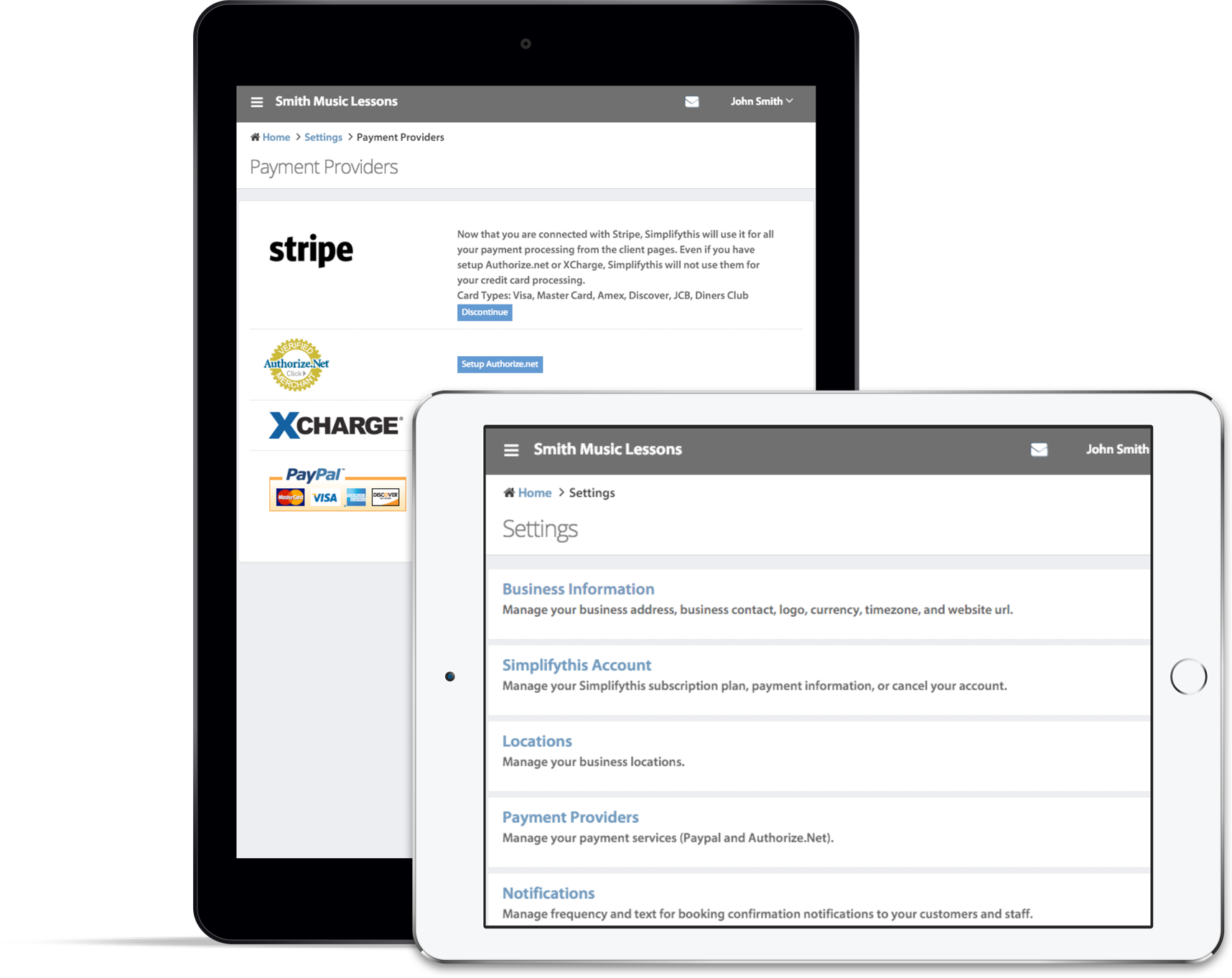
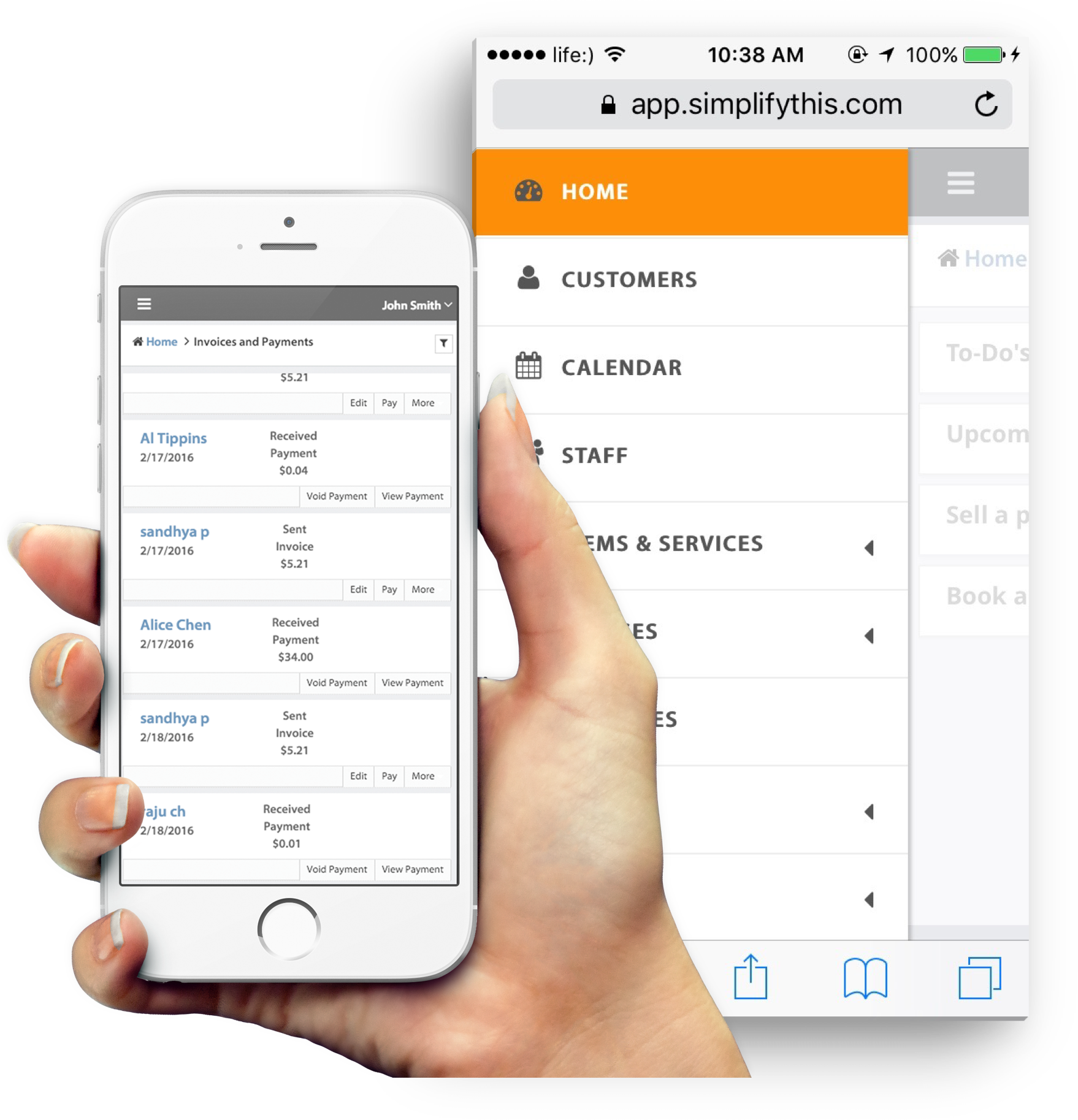
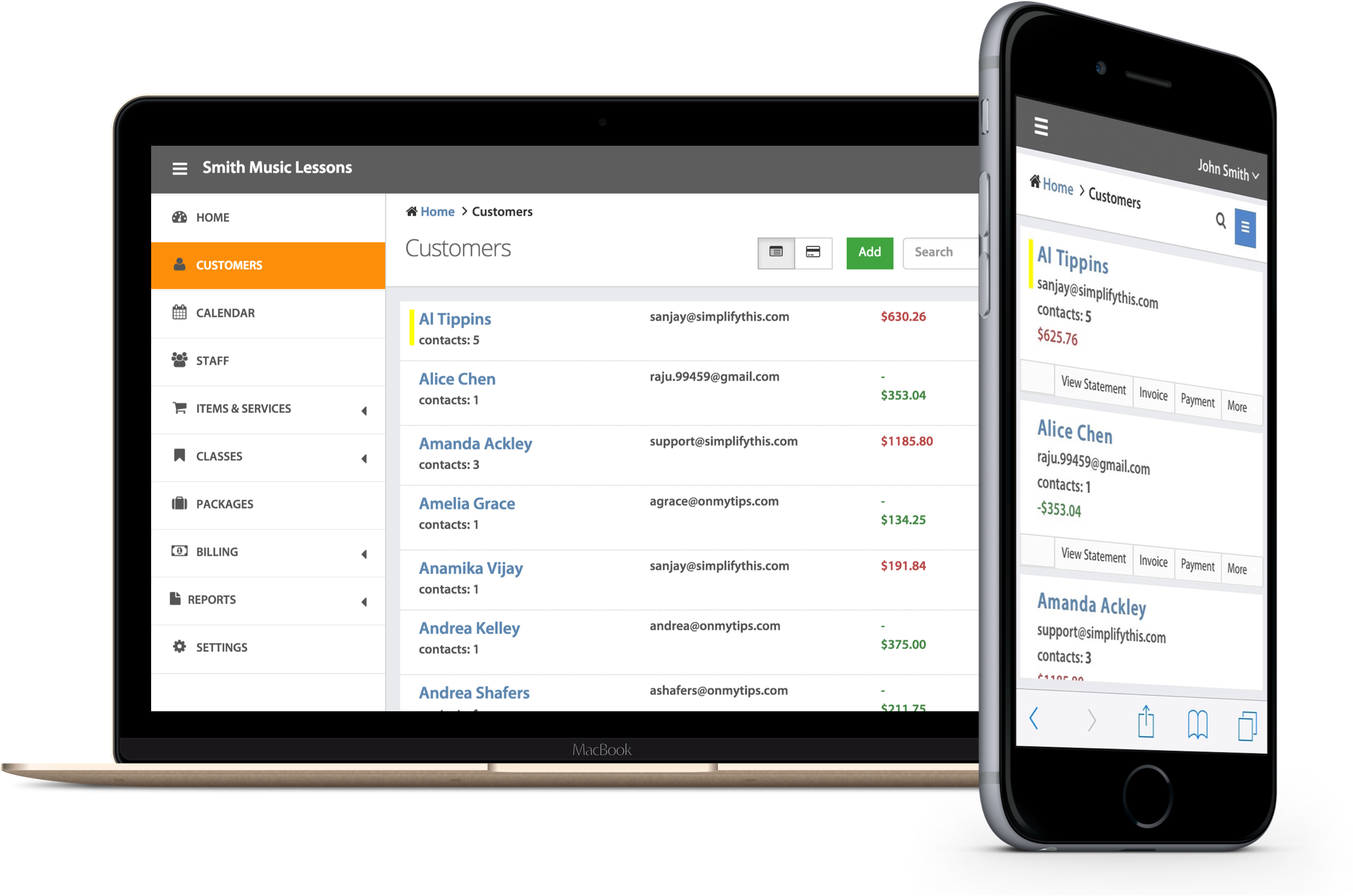
Note: Our own appointment scheduling software includes invoicing functionality, to further cut down on the time spent on administrative tasks. Demo SimplifyThis appointment scheduling software. 

Boost Sales Conversion Rates: Aside from assisting you in managing your time, a cloud based scheduling system can also help to boost your profitability. It achieves this by creating a streamlined booking procedure, which simplifies and hastens the process of turning website visitors in paying clients. By having a functional and clearly visible appointment booking icon online, customers can commit to classes or services while they are browsing an enjoy an optimized experience. This will make them far more likely to spend, and ultimately create a far more competitive sales conversion rate.

Avoid Missed Appointments and Lost Revenue: It is extremely frustrating when a client or potential customer misses an appointment, as this not only represents lost revenue but also a missed opportunity to expand your business. An online scheduling system helps to avoid this, however, and it can achieve this through various independent features. Not only will it send automated appointment reminders through email, but it will also offer clients online access so that they can review upcoming appointments and booked sessions. This software can also guard against instances where customers miss classes, as they allow you to request a pre-payment at the time of booking.

Sell the Quality and Professionalism of your Service: If your independent venture is to be successful, then it must present a professional image. Online appointment scheduling can help you to achieve this, as it offers potential clients a unique insight into the quality of your service and how it is delivered to customers. By having an online appointment system that is integrated with your website, you can create an excellent first impression and lay the foundations of trust and mutual respect with customers. This will empower them to do business with you, and give your independent venture a potentially critical edge in the market.

These are just a few of the benefits of using an online appointment booking system. Here are five more ways an online appointment scheduler can help your independent practice.


The Importance of Keyword Research and How to Do It Yourself

As a small business owner you know that ranking high on search result pages on search engines like Google for key phrases that are associated with your service or products translates into greater leads and even business. This is why you take measures to optimize your company’s website for search engines. Search engine optimization starts with good keyword research.

Seo_SimplifyThisKeyword research is particularly important for small business owners, as it helps you to understand the needs of your target market and how frequently specific products or services are searched for online. These are factors that should be measured accurately and in great detail, as keywords (which can actually be phrases) have variable levels of effectiveness in terms of generating website traffic.

How to Get the Most from your Keyword Research: 3 Simple Steps

With these points in mind, how can you look to get the most from your keyword research?

Understand the Basics: Keyword research helps you understand how your existing and potential customers search for your products and information online, so that you can optimize your website and achieve a high search engine ranking for these terms. The term ‘keyword’ is actually slightly misleading, as it can in fact apply to specific phrases in addition to single words (i.e. “appointment scheduling software” is considered a keyword). It is interesting to note that the more specific the search term (i.e. “2013 Scion FR-S” vs. “sports cars”), the closer the searcher is to making a purchase. While it is ideal to rank highly for a diverse range of keywords, your website should perform particularly well for specific phrases that are likely to convert into sales.

Get in the Mind of your Consumer and Determine Keyword Phrases: The first step in keyword research is to make a list of words and phrases that describe your business’ products and/or services. You can brainstorm with employees and others involved in your business to do this. What’s important is that your list includes words that your customers would actually use and not jargon, technical terms or other words that you as an industry insider might use, but that your audience would not. In order to be as thorough as possible, take the time to visit your known competitors’ sites and see what keywords they are using by looking at the words they use in their navigation and in their headlines. You can also see what words they use in their meta tags by viewing their “page source” (and yes, they can view your page source too) by right clicking on a chosen Web page and selecting “view page source” and searching for keywords.

Use a Viable Tool to Finalize your List: You may well have a lengthy list of keywords at this stage, but there is still work to do in order to ensure that you have selected the best phrases possible. The next step is to take your potential keywords and evaluate them using an online research tool, with options such as Wordtracker, Keyword Discovery and Google’s own Keyword Tool capable of providing analysis and suggestions for other keywords. Simply copy the words on your list and paste them into your chosen tool. A list of alternative phrases will then be generated, which you can evaluate based their level of competition and popularity in terms of local and international SEO. You should also look for the estimated CPC (cost per click) of each phrase, as this will rate terms according to their potential value.

When you have a list, be sure to search the terms yourself on your preferred search engine. This will give you further insights into which sites you will be competing with, and also how people use various search terms.

The Bottom Line: Between your initial list and the additional phrases produced by your research, you should be left with a strong and purposeful collection of keywords. All that is left is for you to export this list into a manageable and easily accessible excel file, as this will allow you to organize your information and make any necessary updates. For example, you may wish to segregate these words according to their application, keeping those that are used to find information separate from more specific, brand orientated terms.

As a final point, you should make a commitment to continually review your keywords and their effectiveness. This can be done simply using your preferred research tool, while it is also worth entering chosen phrases into Google to analyzing the results. Any change in consumer behavior or motivation could have an impact on the validity of certain keywords, and those that perform poorly over a period of time may need to be replaced. This will enable you to stay ahead of your competitors and maintain a high search engine ranking.

Additional Reading:

SEO for SMBs: 5 Ways to Increase Visibility

Starting AdWords the Right Way – Keyword Selection Strategies


The Paperless Office – An Overview of How and Why to Do This

We live in an age of minimalist preferences, where small business owners remain focused on streamlining their administrative processes. Technological innovation has played a key role in this drive, and allowed managers to develop cloud based software and operate their venture predominantly online.

Paperless Office

This has brought the concept of a paperless office back into focus, after years of widespread discussion and debate. The 2011 State of the Paper Industry Report confirms that businesses have used considerably less paper since 2006.

The Paperless Office: Motivation and Method

While certain firms have tried and failed to embrace a paperless culture, the reasons for doing this are well founded. Firstly it fits well with the prevailing sense of social and corporate responsibility, which empowers businesses to create a more environmentally friendly brand. With consumers more likely to value service providers that operate in an ethical and ecologically sound manner, adopting a paperless office may enable firms to gain a critical market advantage. On a more fundamental level, it allows business owners to fulfill an inner sense of social obligation.

There are other motivations for creating a paper based office, however, with cost cutting one of the most prominent. Office based firms spend a huge amount of revenue on paper every single year, and the use of advanced and easily accessible cloud based applications can help to reduce this cost considerably. The application of increasingly sophisticated technology is also encouraging the development of virtual offices, through which businesses employ contractors remotely and operate with minimal overheads.

Making the Paperless Office Work

While the benefits of a paperless office are obvious, however, the transition to operating entirely online is far more complex. Consider the following steps before you attempt to create a paper free culture in your business.

Set Realistic Goals and Targets: When you commit to becoming paperless, it is important to set realistic targets. Depending on the nature of your business, it may be unfeasible to eliminate the use of paper altogether, but this does not mean that you cannot limit its purpose as much as possible. While private medical centers may find it impossible to remove all paper records, for example, they can strive to cut unnecessary usage and make a positive contribution to the environment.

Facilitate a Natural Evolution: No matter how much you long to own a paperless office, forcing the issue can have a debilitating impact on your business. Becoming paperless must be part of a natural and beneficial evolution, as otherwise it will fail and undermine your broader commercial strategy. If you pursue the dream of a paperless office ahead of broader business success, then there is a chance that your venture will suffer considerably.

Develop an Integrated Network of Collaborative Online Tools: Before you make the transition to being paperless, you will need to have developed an integrated network of collaborative online tools. While the ultimate goal may be to adopt or create a single CRM platform, in the meantime you can take advantage of free or affordable tools such as Evernote, Zoho, Skype and Outlook in order to succeed. Also try our own web based online appointment scheduling and client invoicing software by SimplifyThis to cut down on the amount of paper you use.

The dream of a paperless office is now a tangible goal for small business owners, and its widespread implementation could have significant environmental and financial benefits. It is important that entrepreneurs are patient and realistic in their approach, however, and balance their desire to diminish the use of paper alongside a more diverse business strategy.

Post by Lewis Humphries

Thanks primarily to advancements in technology, freelancing has emerged as a particularly popular method of working, with more than one third of American workforce now classed as being self-employed. Freelancing is increasingly appealing to the growing social demographic of older workers.

Photo: @ facebook.com/nthyramanujam

Photo: @ facebook.com/nthyramanujam

While it is well known that young adults turn to freelancing as a way to develop tangible career success, older workers are now also embracing it in order to retain their independence while also dictating the hours that they work.

The Benefits of Freelancing for Older Workers

The rising age of freelancers represents a global trend, with approximately 30% of working pensioners self employed in the UK. This compares to only 13.5% across the rest of the British workforce, and reflects the fact that individuals are who are keen to work beyond retirement age have begun to recognize the benefits offered by freelancing. So why exactly should self employment appeal to older workers?

A Way of Combating the Pensions Crisis: A recent report by banking giant HSBC suggested that citizens in numerous developed economies were failing to save effectively for their retirement. This has been attributed to a number of different factors, but the fact remains that many individuals lack the tools to effectively retain a percentage of their income. Freelancing can help to negate this, however, as it allows those approaching retirement age to continue to earn while dictating the hours that they work and establishing a convenient working regime.

A Way to Maximize Earnings: After a long and successful career, you are blessed with a level of experience and industry knowledge that is extremely valuable. Freelancing allows you to market yourself and the unique qualifications that you possess, and also provides an opportunity to apply a relevant value on your time and expertise. As you approach the twilight of your career, flexible self employment enables you to maximize your earning potential and boost your financial savings prior to your eventual retirement.

Increase the Longevity of your Working Life: Financial motivation aside, you may well choose to work because of the independence and satisfaction that it affords you. Continuing to work full time can be difficult once you reach a certain age, however, as age and personal circumstances take priority over your desire to remain in employment. By registering as a self-employed individual and working independently, however, you can strive to work beyond retirement age by reducing your hours and operating from within the confines of your own home.

The world of work is changing, thanks to a number of social, technological and economic influences. The increasing accessibility of technology is also enhancing the appeal of freelancing across wider social demographics, with older workers now embracing it as a way of lengthening their career and boosting earnings. So long as you retain the desire to work and have a marketable skill, freelancing remains a viable way of easing your transition into retirement.

Streamline your small business with SimplifyThis two-in-one online appointment scheduling and online invoicing.

try_free


Small Business Marketing Essentials

Small businesses need to make the most of whatever they have. While judicious spending and getting maximum returns form the gist of small business marketing, it is important to note that no two businesses are alike. As a result, there is no particular solution that fits all type of small business marketing issues. Here are a few guidelines that can help you make smart marketing choices for your small business.

running trackBe aware of your competition

One of the first things that you need to learn as a small business marketer is to respect your competitors. Brute force will never help you market your product unless you have the capacity to outspend your opponent. This is also the biggest mistake many small businesses make, and in their bid to build authority over the market they could easily get a bad name and also lose business. When it comes to marketing, your ability to out think your competition is the only thing that can help you grow. Start small and never directly target any major profits. Use smaller mediums such as a less popular radio station or a local website for marketing, and gradually you can move on to the more popular media.

Strictly comply with your budget

It is quite easy to get overwhelmed with your marketing efforts and go on a spending spree. This is something you should always avoid, especially when you are a small business owner. Fix a budget for marketing efforts. Make sure that it is neither too small nor too great. You can even consult a small business ad agency to help you out. Once you set aside a budget for marketing, it is very important that you stick to it strictly. Also it is good to have short-term marketing plans instead of long-term ones. This makes it easy to correct yourself if any mistakes surface without significant financial losses. A fixed budget can also make sure that your choices are always logical and sensible.

If you can’t measure it don’t do it

When it comes to small business marketing, the ability to measure your efforts is what makes the difference. While it’s all glamorous to sponsor your local football team, it is not necessary that this could increase your revenue. You may in fact end up spending more than what you would earn from this campaign. Online marketing is one of the most suitable methods of marketing as it can be tracked and measured.

SimplifyThis helps small businesses to streamline administrative tasks with two in one web-based appointment scheduling and invoicing software.

try_free

Entrepreneurship Principles that Can Make a Difference

Studies suggest that only about 5% of startups manage to hold forth after a year of commencing operations. The reasons for this failure can be many, but the most prominent among them is the mind set of the entrepreneur. Here are a few entrepreneurial principles that can help you keep your business floating.

Defining success

Every entrepreneur is first a salesperson

The first thing you will need to remember as an entrepreneur is that you will have to perform multiple roles, such as a product designer, conceptualizer, and also a salesperson. Your role as a salesperson is the most important one as no business can ever survive without sales. You will have to talk to a great number of people in order to get some sales for the survival of your business. You will definitely face more than your share of rejection. You must not let this to dishearten you. Instead take it up as a motivation and keep working harder for better results.

Poor economy is never a good reason

The true challenge of entrepreneurship is to succeed regardless of the economic conditions. If you find yourself transferring the blame of your failure upon a dwindling economy, stop. Entrepreneurship is how you are able to manage with the resources available at your disposal and how you steer your business towards profit.

Leverage technology

Today, businesses rely heavily on technology, especially the internet. This means all your consumers and even your competitors are leveraging the latest technology available to market themselves. You might be familiar with the technology too. If however you are not, then it’s time you embraced it, even if you have people who manage your technology for you.

Plan and a vision

A plan and a vision are two essential aspects of entrepreneurship. Having a vision is very important as it can act as a sole source of motivation when the entire world is pitted against you. If you do not have one, it only means you are not quite serious about a venture, and it’s not worth wasting your time on a business you’re not serious about. Your plan on the other hand can be flexible. A plan is just a simple guide that can help you to remain focused.

Try SimplifyThis for FREE and schedule appointments directly from your Website. Save time and money with our two in one appointment scheduling and invoicing software.

try_free

Increasing Productivity When Working From Home

Telecommuting is one of the most prominent trends that have surfaced of late. It is a very popular trend among small businesses and also many entrepreneurs today are starting companies out of their bedrooms. It provides several advantages over the conventional mode. However, among the many issues regarding this mode of work a major area of concern is productivity. As appealing as it may sound to work from home, there is more to it than meets the eye. Here are a few things that can help you remain more organized and more productive.

global

Never allow any pile build up

This can be slightly difficult to do when working from home, since any form of work generally involves some kind of paper build up on your desk. Your aim is to keep these piles of paper organized. You could devote a separate cabinet where you can file them neatly. Make it a point to get rid of all the unnecessary papers at least once every day. Keep only pending work on your desk so you can complete it later. If you allow a pile to build up, there is a good chance that you would forget what you were doing.

Set aside space for your office

Working from home does not necessarily mean that you should work out of your bed. In fact, such a practice can decrease your productivity significantly. It is always a good idea to set aside some space only for your office. It is not advisable to keep a bed anywhere near it. Treat it as you would treat your desk in the office. Anything not related to your work should not be anywhere near your desk. Personalize this space; make sure you are comfortable here. To feel comfortable, you must get appropriate furniture in order to avoid any health problems, such as back pain, that may arise later.

A separate computer for work

One of the greatest mistakes people generally do is to use one computer for both business as well as personal use. This is strictly prohibited. A personal computer may be used by anybody in your home and there is a good chance that you may end up losing some important data because of this. A separate computer will also help you to keep your work more organized and readily available to you whenever you need it.

Is online appointment scheduling right for your business? Read Five Reasons to Use an Online Appointment Scheduler.

WP Like Button Plugin by Free WordPress Templates