Send Invoices using iPhone or Android

April 20th, 2009

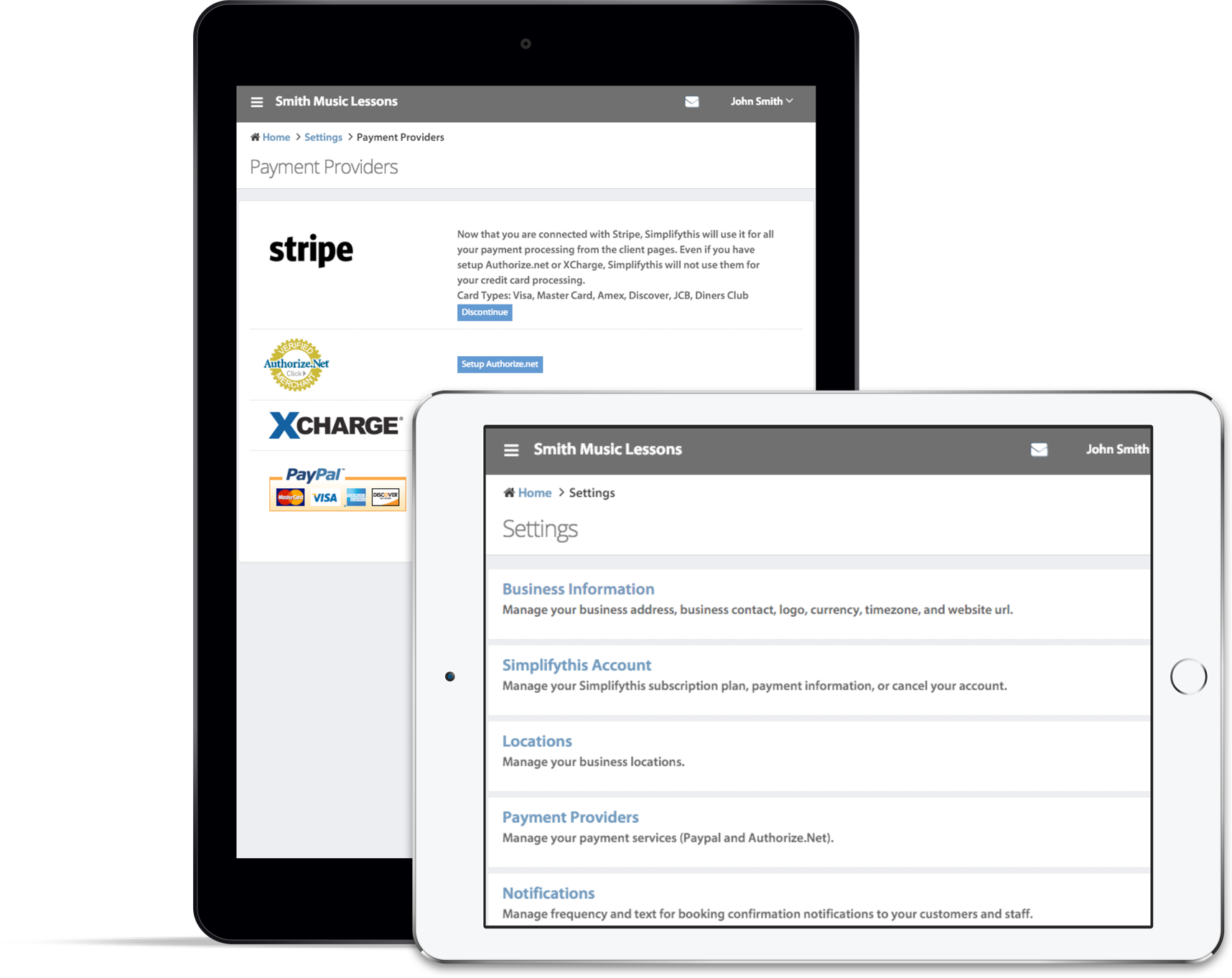
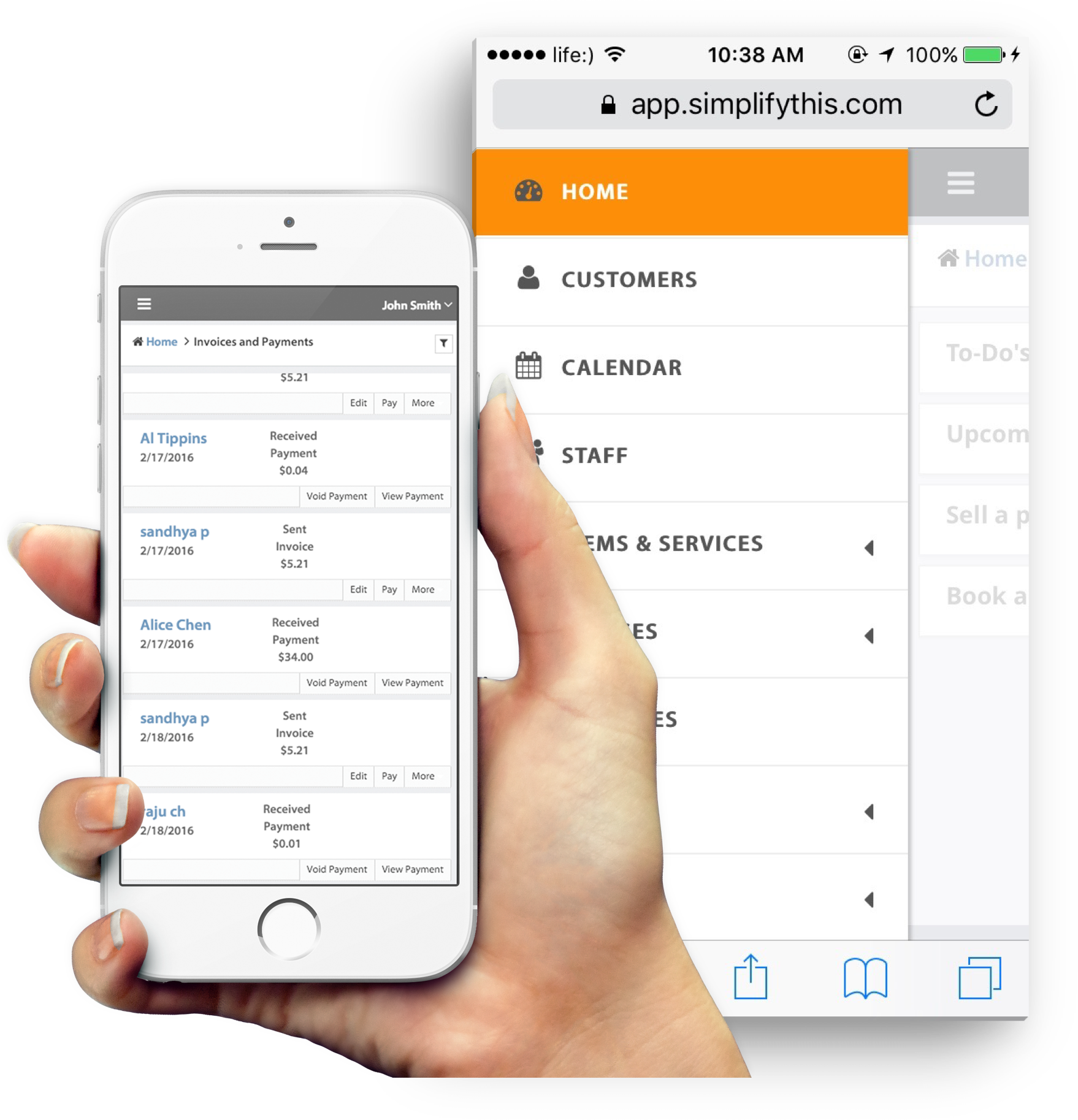
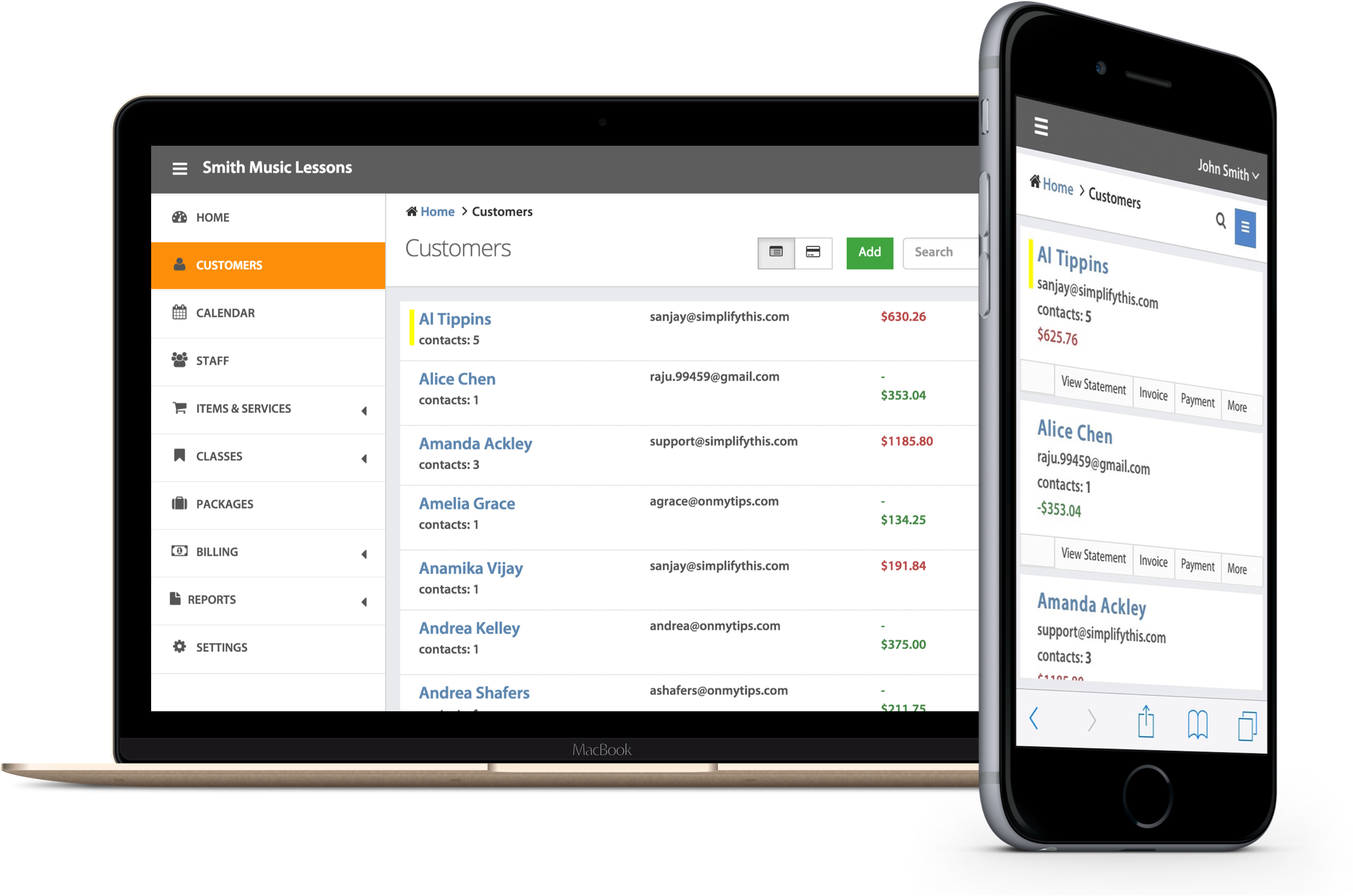
We formally announced the availability of invoicing interface for iPhone and Android.  If you have been touting an iPhone,  you can further expand on its business use by recording charges, adding or updating your client details, or sending invoices. To access these feature, point your phone browser to https://app.simplifythis.com/m.  And to avoid typing the url again and again, we recommend adding the page to your home screen.  And one word of caution: If you have a tendency to lose your phone, make sure to log out after use; the authentication is valid for long to save you from the trouble of entering your user id and password every time.

Very soon, we’ll add project and time tracking to it as well.  If you have any other suggestion on SimplifyThis features that you would like to use from your iPhone, do let us know. We’ll try to get them in the next update.

Bookmark and Share

One Response to “Send Invoices using iPhone or Android”

  1. Rick Evans Says:

    typed https://app.simplifythis.com/m. into my iPhones browser and I receive the following auto message:

    ” The page must be viewed over a secure channel

    The page you are trying to access is secured with Secure Sockets (SSL)

    Please try the following:

    Type https:// at the beginning…………

    HTTP Error 403.4 - Forbidden: SSL is required to view this resource.

Leave a Reply


Business Blogs - BlogCatalog Blog Directory © 2006 SimplifyThis LLC. All rights reserved. Contact Us | Privacy | Partners | Entries (RSS) and Comments (RSS).